INDIE MUSIC ARTIST · HOME RECORDING
Build a studio that helps you finish music.
Start with the essentials, understand your setup, and upgrade when you know what problem you need to solve.
Affiliate disclosure: This post contains zZounds affiliate links. If you purchase through these links, Indie Music Artist may earn a commission at no additional cost to you. These suggestions are based on product specifications and intended use; they are not claims of hands-on testing.
You start looking for a microphone, and suddenly somebody says you also need studio speakers, a keyboard, acoustic panels, three plugin subscriptions, and a chair that costs more than your first car.
Take a breath. The essential music gear for a bedroom producer depends on what you plan to record. Someone making instrumental beats has different needs from a singer recording vocals and acoustic guitar.
Start by answering one question: What do I need to capture my next finished song? Build around that answer.
1. A Computer That Can Handle Your Sessions
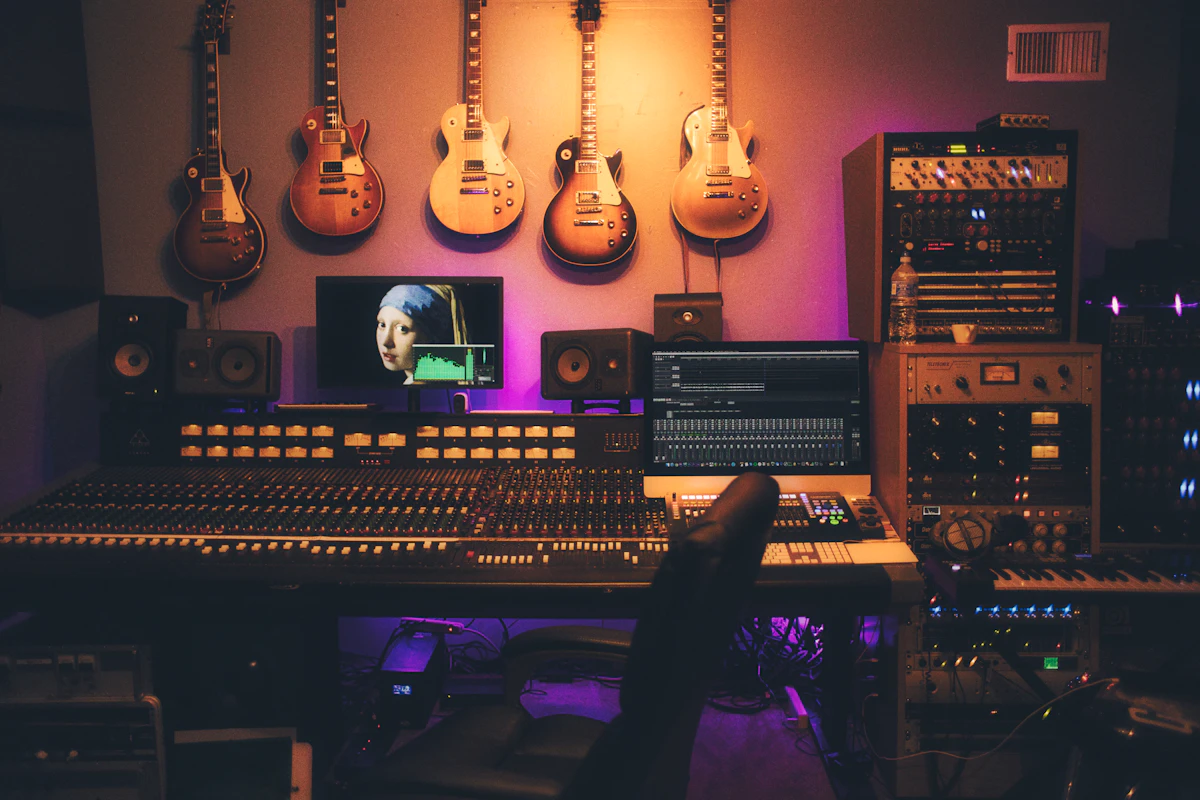
Your computer runs the recording software, instruments, and effects that make up your project. Before replacing it, check the system requirements for the software you want to use.
If your current computer runs small sessions reliably, start there. Close unnecessary applications, keep enough storage available, and avoid loading every track with effects while recording.
When a project becomes demanding, freezing or bouncing software-instrument tracks can reduce processing demands. Learn those features before assuming a new computer is your only option.
2. Recording Software You Will Actually Learn
A digital audio workstation, usually called a DAW, is where you record, edit, arrange, and mix your music.
Choose software that works with your computer and supports the way you create. Then learn the basics:
- Creating an audio track and choosing the correct input.
- Recording and saving multiple takes.
- Editing without losing your original recordings.
- Using basic EQ, compression, and effects.
- Exporting your finished song.
Start with the instruments and effects already included. Buying another plugin will not help much if you do not yet understand the tools you have.
3. An Audio Interface for XLR Mics and Instruments
An audio interface connects microphones and instruments to your computer and provides connections for headphones or speakers.
If you use a USB microphone, you may not need a separate interface for that microphone. If you use an XLR microphone, you generally need an interface with a suitable microphone input.
Count Microphone Inputs Before Buying
Recording one vocal at a time? One microphone input may be enough. Recording your voice and acoustic guitar with separate microphones at the same time? You need two microphone inputs.
Be careful: an interface advertised with two inputs does not necessarily have two microphone preamps. One input may be designed for an instrument.
An Option to Compare: Focusrite Scarlett Solo Gen 4
The Scarlett Solo Gen 4 has one microphone input and an instrument input, making it an option for artists recording one vocal microphone at a time.
It also provides phantom power for compatible condenser microphones and a headphone connection. If you already own a working interface that meets your needs, keep using it.
Compare the Scarlett Solo Gen 4 at zZounds →
Need two vocal microphones at once? Compare models with two microphone inputs before purchasing.
4. A Microphone That Fits Your Voice and Recording Space
Your microphone matters, but so do the room, your distance from the mic, and your performance. A more expensive microphone will still capture distracting reflections and background noise.
Two useful microphone types to understand are dynamic and condenser microphones.
Dynamic Microphones
A vocal dynamic microphone can be useful for close recording and live performance. Working close to the mic can help emphasize your voice relative to the room, although the result depends on placement, pickup pattern, and your delivery.
A dynamic microphone does not make an untreated bedroom disappear. You still need to listen for noise and reflections.
An Option to Compare: Shure SM58
The Shure SM58 is a cardioid dynamic vocal microphone to consider if you want one microphone for home recording and live use. Pair it with an interface that provides enough clean gain for your voice.
Condenser Microphones
A studio condenser can be a useful choice for vocals and acoustic instruments. Many XLR condenser microphones require phantom power, so check the microphone’s requirements and your interface’s capabilities.
An Option to Compare: Audio-Technica AT2020
The XLR Audio-Technica AT2020 is a cardioid condenser microphone that requires 48V phantom power. It is side-address, so you sing toward its designated front rather than into the top.
Consider it alongside your room conditions and intended use. The XLR model needs an interface and microphone cable.
You do not need both microphones to get started. Choose one that suits your recording plan, then learn how to position and use it.

5. Wired Headphones for Recording
Headphones let you hear the backing track while recording without playing it through speakers and back into your microphone.
Closed-back headphones help limit sound leakage. Keep their volume comfortable, because loud playback can still bleed into the recording.
Wired headphones are a straightforward choice for tracking because Bluetooth can introduce noticeable monitoring delay.
An Option to Compare: Audio-Technica ATH-M20x
The ATH-M20x is a wired, closed-back headphone option to compare for recording. Consider comfort, fit, and compatibility with your headphone connection.
6. The Small Accessories That Make Your Setup Usable
Remember the practical pieces when planning your budget. A microphone is not much help if you cannot connect it or keep it in position.
- A stable microphone stand: Check that it can safely support your mic and mount.
- The correct cable: An XLR microphone normally needs an XLR microphone cable.
- A pop filter: Useful for reducing bursts of air from strong “P” and “B” sounds.
- Compatible connections: Check computer ports, USB cables, and headphone adapters.
- A backup destination: Keep another copy of your session and audio files.
Check what comes in the box before ordering accessories separately. A bundle may include useful pieces, but compare its contents with what you already own.
7. A Room Setup That Helps Your Gear Work
You do not have to build a permanent booth to improve a bedroom recording. Start by choosing a quiet position and reducing nearby reflections.
Test different locations using the same short vocal phrase. Try soft furnishings or securely hung thick blankets, then listen to the difference. Avoid assuming a tiny closet or bare corner will automatically sound better.
Blankets can reduce some reflections, especially at higher frequencies. They do not soundproof the room or solve every low-frequency problem.
What Can Wait Until Later?
| Upgrade | When it becomes useful |
|---|---|
| MIDI keyboard | When playing virtual instruments improves your writing or production workflow. |
| Studio monitors | When you can place them properly and address room problems that affect what you hear. |
| Paid plugins | When you can name a task your existing tools cannot handle well. |
| Another microphone | When a different sound or recording requirement justifies it. |
| Outboard processors | When you understand the routing and have a specific reason to use them. |
Your First Setup Should Match Your Music
If you mainly make beats with software instruments, start with a compatible computer, a DAW, and suitable headphones. Add a controller when it helps you create.
If you sing over backing tracks, add a microphone and the connections it needs. For an XLR setup, that means an interface, cable, stand, and appropriate accessories.
If you record vocals and acoustic guitar simultaneously, plan the inputs and microphone arrangement before shopping.
The goal is a setup you understand well enough to record consistently. Spend some time making music before deciding what needs to change.
Choose Your Next Piece of Gear With a Purpose
Make a list of what you own, what you want to record, and the one thing stopping you from doing it. Start there.
Explore Music Gear at zZounds →
Compare current prices, included accessories, and compatibility before purchasing.
Keep Planning Your First Release
Equipment is only one part of getting a song out into the world. These guides can help you plan the next steps: