
INDIE MUSIC ARTIST · HOME RECORDING
Get that first song out of your voice memos.
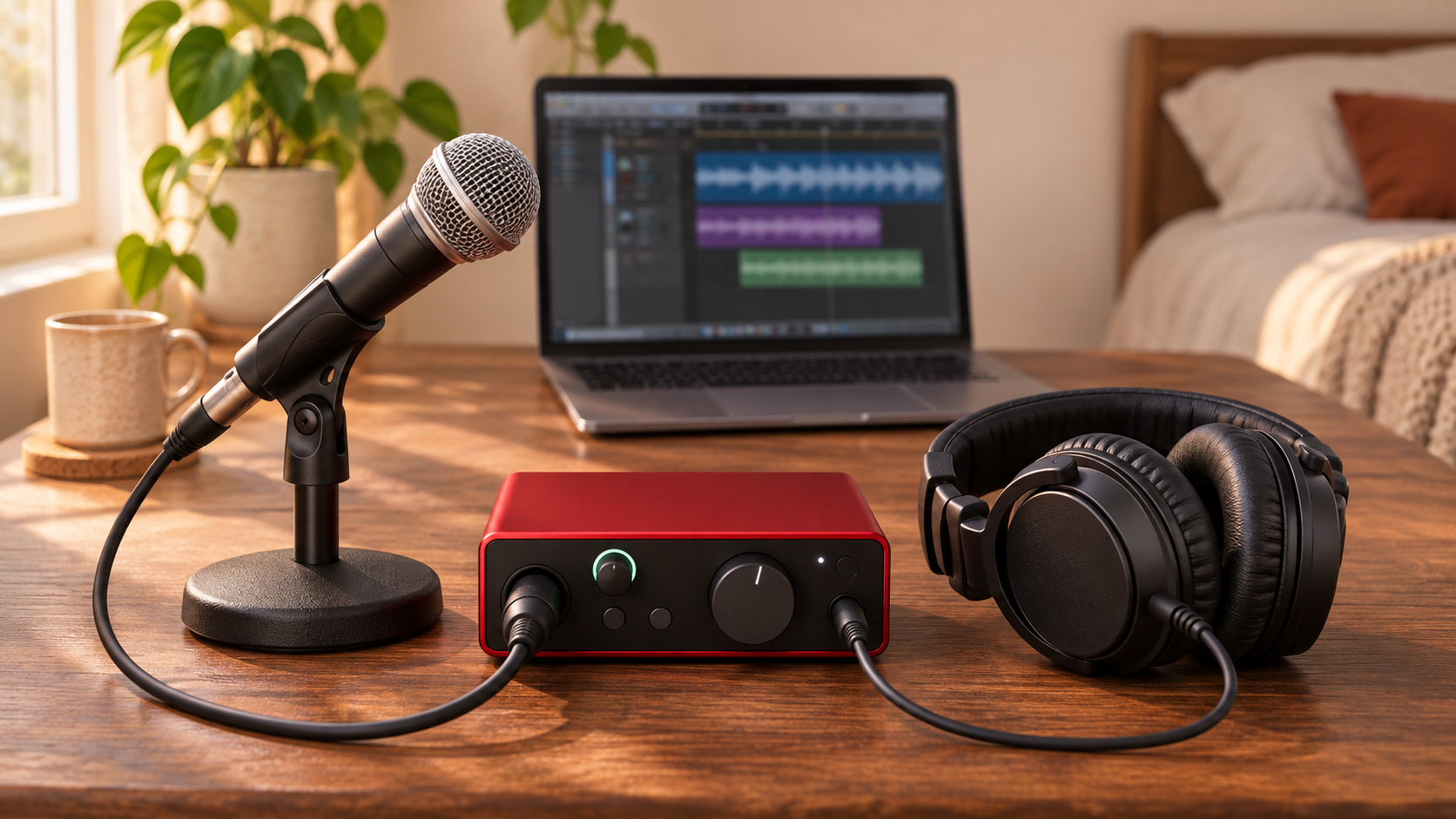
That chorus has been living in your phone long enough. If you’re ready to record it at home, start with a computer that runs your recording software, one microphone, an interface that fits your setup, and wired headphones. Add an XLR cable and a stand if you’re using the mic below.
This setup is for a singer recording over a beat or a songwriter who can record guitar and vocals in separate passes. If you want two microphones recording at once, there’s one change to make before you buy.
Affiliate disclosure. I may earn a commission if you buy through the zZounds links below, at no extra cost to you.
Start with the computer and recording software you have
I use Logic Pro with a Focusrite Scarlett 2i2. If your computer already runs a recording program you know, open that one. Create a project, import your beat or scratch guitar track, and add a mono audio track for your vocal. That gives you a real session to test as soon as your mic is connected.
1. Focusrite Scarlett Solo Gen 4 for one microphone

The Scarlett Solo gives you one XLR microphone input and a separate instrument input. That works for a vocal over a backing track, or for guitar and vocals recorded in separate takes. If your guitar has a pickup, you can also connect it to the instrument input while using the mic input for your voice.
Using one mic on your voice and another on acoustic guitar? Choose an interface with two microphone preamps, like the Scarlett 2i2. Count the mic inputs before you order. The Solo’s instrument jack serves a different purpose.
Check the Scarlett Solo Gen 4 at zZounds →
Compare the Scarlett 2i2 Gen 4 at zZounds →
2. Shure SM58 for recording your vocal

The SM58 is a dynamic vocal microphone you can use for recording at home and take to a gig later. Mount it on a stand, connect it with an XLR mic cable, and sing into the grille. Start close enough to hear a clear vocal, then adjust your distance if the sound gets too boomy or your breath hits the mic hard.
Check the package before adding it to your cart. The base mic, cable option, and stand option are listed separately. If you already have a compatible cable and a stable stand, put those to work.
See the Shure SM58 and package options at zZounds →
3. Audio-Technica ATH-M20x headphones for tracking

Use wired headphones to hear the backing track while you sing. The ATH-M20x has a closed-back design that helps limit how much of that track leaks into the mic. If you find yourself hollering over your own beat, turn the beat down in the headphone mix. Your vocal can stay right where it is.
Check the Audio-Technica ATH-M20x at zZounds →
Record 20 seconds before you do the whole song
- Connect your mic to the interface and plug the interface into your computer. Plug your headphones into the interface.
- Select the interface in your recording software. Choose the mic’s input on your mono vocal track and arm the track for recording.
- Sing the loudest line of your chorus at full performance volume. If the input meter hits red, lower the interface gain and test again.
- Record 20 seconds. Listen back for distortion, room echo, or the beat leaking into the vocal. Move the mic, change your position, or lower the headphone volume as needed.
If the voice sounds clear and you can hear the words easily over the music, record the full take. Give yourself two or three passes so you have something to choose from when you edit.
What can wait?
Studio monitors, a MIDI keyboard, and paid plugin bundles can all wait while you finish your first song. Use the gear you already own wherever it fits. Set aside part of your budget for the work that comes after recording, including mixing, artwork, and distribution.
Read the first music release budget guide →
Watch the home studio gear walkthrough
In the video, I walk through the three pieces of gear, when a second mic input matters, and what to listen for in your first test recording.